





Please wait, the search may take up to a minute...

Send Message

We will reply to the email you enter here.

  1. Home
  2. Tutorials for shelters
  3. Getting started

Tutorials for shelters · 1 of 4

Getting started

Set up your organization on Findpet, connect your team and see what’s free.

What Findpet gives your shelter or rescue

2 min read

Three layers of protection for every pet you place, and tools that keep your shelter connected after adoption.

Findpet helps protect pets and get lost pets home fast. Every pet you register gets three layers of protection, so if one fails, the others still work:
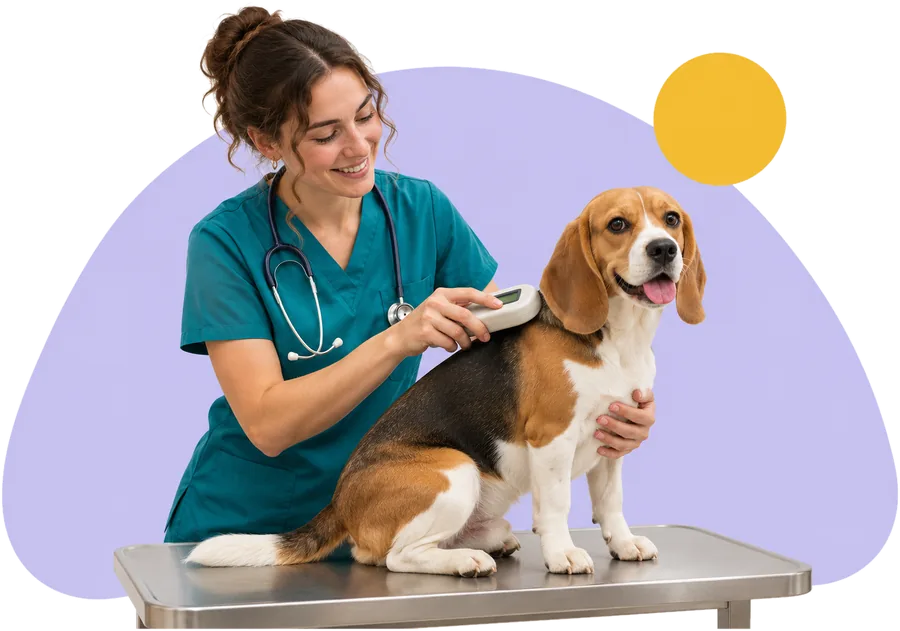
  • Microchip registration1Microchip registrationFound through the AAHA Universal Pet Microchip Lookup
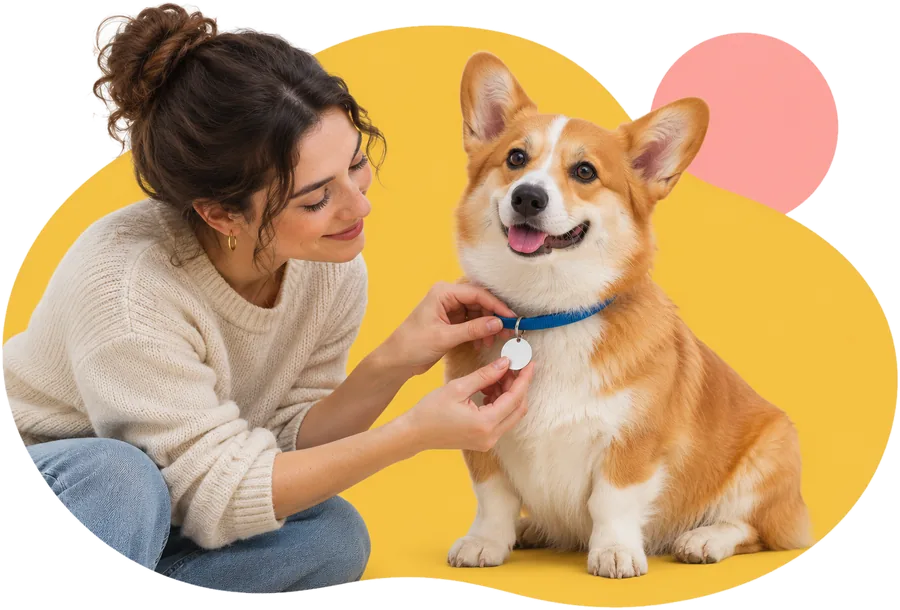
  • Findpet ID tag2Findpet ID tagA QR code any phone can scan — no scanner needed

  • Photo identification3Photo identificationRecognizes a pet by face, body and markings

For your shelter or rescue, that means:

  • You stay a backup contact. For pets you registered, your organization stays on the pet’s profile after adoption — one more way to reach someone if the pet is lost or found.
  • You hear about it. When someone messages the family through the pet’s profile, your shelter can get the notification too.
  • You see which adoptions are complete. The dashboard shows whether the new family accepted the transfer.
  • Pet Access Log. Tag scans, microchip searches and profile views can help during a search.
  • Add pets your way — one by one, or automatically from your shelter software.
Was this helpful?

Apply for a shelter or rescue account

3 min read

Fill out one form; we usually send your Findpet Organization ID within 2 business days.

  1. 1

    Open the application form

    Go to For organizations → Apply for Findpet Organization ID. It takes about 5 minutes.

  2. 2

    Tell us about your organization

    Type of organization, the animals you work with, the software you use (first its type, then the product), and a contact person.

  3. 3

    Add your public details

    Name, public e-mail and phone, address, website, logo and links to Petfinder or Adopt-a-Pet. Finders see these on pet profiles, so use a shared inbox, not a personal one.

  4. 4

    Wait for the e-mail

    We review every application, usually within 2 business days, and e-mail your Findpet Organization ID. Until then, you can change the application from the link in the confirmation e-mail.

Have ready: your organization’s public e-mail and phone, street address, website, logo (JPG or PNG) and, if you have one, a resale or tax-exemption certificate.
Was this helpful?

Join your organization on Findpet

2 min read

Link your own Findpet account to your organization with its Organization ID.

  1. 1

    Sign in to your own account

    Use your own Findpet account — never a shared login. No account yet? Create one with your work e-mail or phone.

  2. 2

    Open Dashboard → Join organization

    Type your Findpet Organization ID (like IL7K2M9Q) and press Find. Check that the name and address are right.

  3. 3

    Press Join

    The first person whose account e-mail is the organization’s admin or public e-mail on Findpet joins right away as its admin. With another e-mail, Findpet support checks the request within 2 business days and messages you in the chat and by e-mail. Everyone after that joins when one of your organization’s admins approves the request.

Once you’re in, you add pets in two ways: as a person (your own pets, lost and found reports) and for your organization (pets in your care — they get their own section in the dashboard).
Was this helpful?

Give your staff and volunteers access

2 min read

Everyone joins with their own account — no shared passwords.

Yes, any number of employees and volunteers can work in the same organization. For security, don’t share a login. Send each person your Findpet Organization ID and ask them to join with their own account.

Dashboard → Members: who is in your team, their role and pending requests
  • Admins approve requests to join, change roles and remove people.
  • Members add pets, manage your shelter pets and start transfers to families.
  • New members send a request with your Organization ID; your admins approve or decline it in Members. Findpet support only steps in while an organization has no admin yet.
Was this helpful?

Why Findpet is free for shelters

1 min read

Core tools are free; optional Premium features are paid by the families who want them.

Findpet is a public benefit corporation. The core of pet identification and recovery is free: microchip registration, Findpet ID tags, e-mail notifications, lost and found reports and the organization dashboard.

Families can choose Premium for extras such as text alerts, the full Pet Access Log with scan locations and automatic photo matching. Automation keeps our costs low, so the free tier stays strong.

Was this helpful?

Still need help?

Our shelter team answers in the chat, usually within a few minutes on business days. Prefer a call? Ask in the chat and we’ll book one.