




Transfer a pet to its new family
Start the transfer while the adoption papers are being signed.
-
1
Open the pet
In Dashboard → Shelter pets, find the pet and check that the photos and microchip number are right.
-
2
Press Transfer and add the family’s contacts
Type the adopter’s name, e-mail and mobile number. Their contacts become the pet’s main contacts right away.
-
3
The family accepts
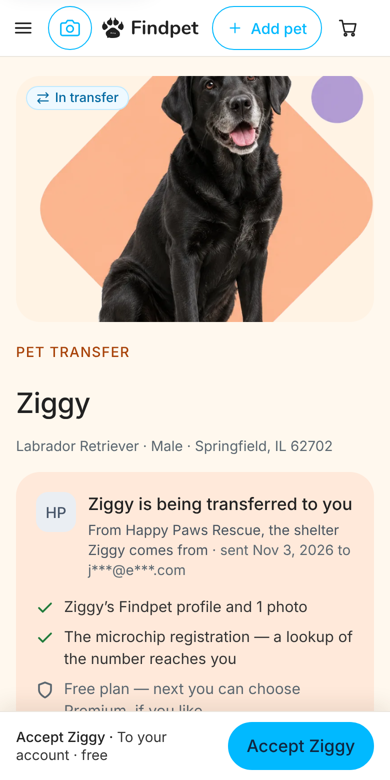
They get an e-mail and a text with a link. They sign in or create an account in a few taps and press Accept transfer. You can also show them the QR code to scan at the desk.
-
4
Done
The pet moves to Transferred in your dashboard. Your organization stays on the profile as a backup contact.



Was this helpful?
Thanks! Glad it helped.